
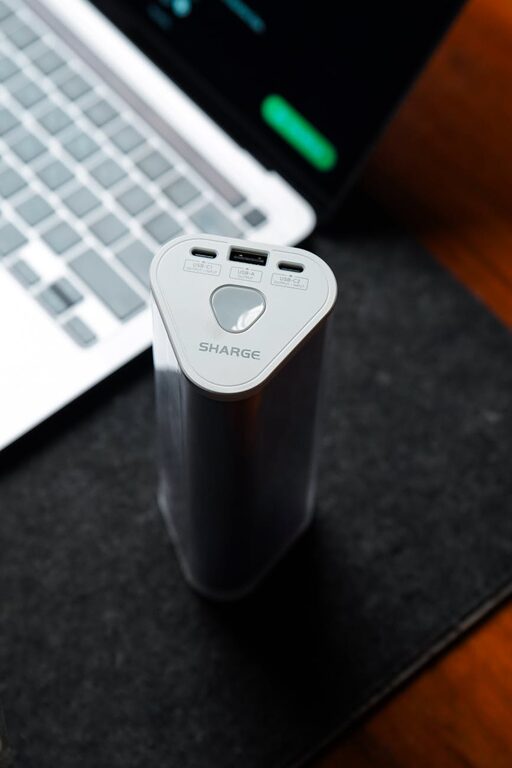
Creating a dedicated charging station for all your devices is a smart way to stay organized and ensure your gadgets are always ready to use. Whether you have smartphones, tablets, smartwatches, or other electronics, a well-planned charging area can reduce clutter and save time. This guide will walk you through how to set up an efficient and convenient charging station that suits your space and needs.
Why Set Up a Charging Station?
Having a central spot for charging devices helps you:
– Keep cables and devices organized
– Avoid lost chargers and missing cables
– Reduce clutter from multiple charging spots
– Quickly locate fully charged devices
– Maintain your gadgets’ battery health by using proper chargers
Step 1: Choose the Right Location
Selecting the best place for your charging station is essential for convenience and safety.
– Accessibility: Pick a spot you use regularly, like your desk, kitchen counter, or living room side table.
– Power Source: Make sure there is a nearby electrical outlet or power strip.
– Space: The area should be large enough to accommodate all your devices and chargers without feeling cramped.
– Ventilation: Devices can get warm while charging, so select a well-ventilated space.
– Safety: Avoid areas prone to spills or heavy foot traffic.
Step 2: Gather Your Equipment
Before setting up, collect all the necessary items:
– Chargers and charging cables for each device
– Power strip or USB charging hub with multiple ports
– Cable organizers such as clips, ties, or sleeves
– Charging docks or stands (optional for ease and aesthetics)
– Small containers or trays to hold accessories like earbuds or adapters
Step 3: Decide on the Charging Method
You have various options depending on your devices and preferences:
USB Charging Hubs
A USB charging hub can charge multiple devices simultaneously with a single power connection. Look for hubs with enough ports and smart charging technology that adjusts power output for each device.
Wireless Charging Pads
For devices that support wireless charging, a multi-device wireless charger can reduce the need for cables. They work well if you want a minimalist setup.
Traditional Chargers and Cable Management
If you prefer using each device’s original charger, focus on good cable management to keep things tidy.
Step 4: Organize the Cables
Managing cables makes your charging station look neat and prevents tangling. Here’s how:
– Use cable clips or holders to secure cables along edges or furniture.
– Velcro ties or twist ties can bundle excess cable length.
– Label cables to identify the device they belong to.
– Consider cable sleeves or boxes to hide cables from view.
Step 5: Arrange Devices for Easy Access
Place your devices in a way that is both practical and visually appealing:
– Use charging stands to hold phones upright.
– Stack small trays for smartwatches and earbuds.
– Leave space between devices to avoid overheating.
– Keep frequently used devices at the front.
Step 6: Establish Charging Rules
To maintain your station long-term, set simple rules:
– Only charge devices that need it.
– Unplug and store chargers when not in use.
– Avoid leaving devices plugged in overnight if not needed.
– Regularly clean dust off the station and cables.
Bonus Tips for a Better Charging Station
– Add a clock or small lamp: Useful additions to your setup.
– Personalize with decor: Frames, plants, or a small bulletin board can make the area inviting.
– Portable options: Use a charging station box that can move with you if necessary.
– Safety first: Use certified chargers and avoid overloading power strips.
Conclusion
Setting up a charging station doesn’t have to be complicated. With some planning and simple tools, you can create a neat, efficient place to keep all your devices powered and organized. Whether at home or the office, a dedicated charging area helps you simplify your daily routine and extend the life of your gadgets.
Try this guide today and enjoy a clutter-free, fully charged environment!